DetectLogPro
Created by Detectorists for Detectorists


DetectLogPro is an advanced tool for Metal Detectorists giving you a place to record and manage your finds, and with the Premium upgrade, plan trips using historic maps and generate custom Lidar overlays, print reports and labels, and sync everything to Google Drive.
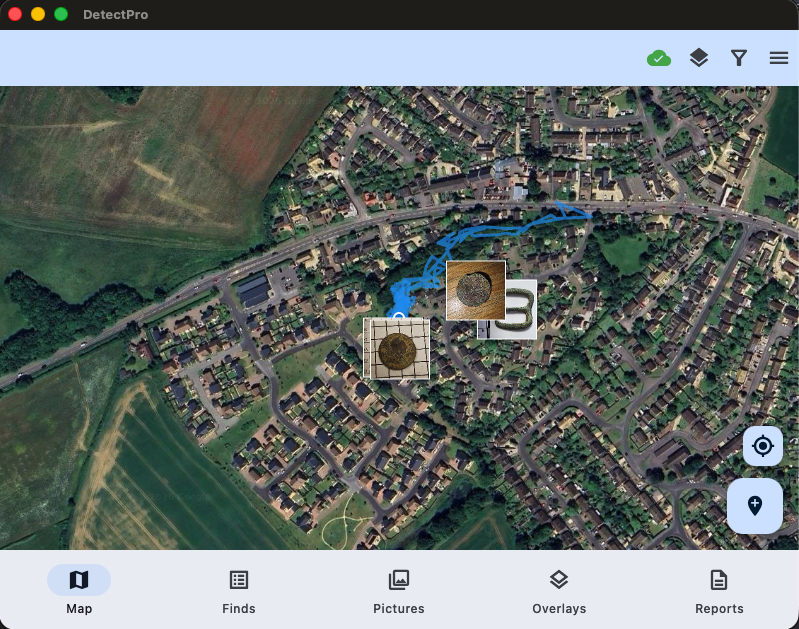
Powerful Map Interface
The map screen is the heart of DetectLogPro. Browse finds as thumbnails right where you found them, toggle Lidar overlays, track your route, and filter by date, type or hashtag. Works beautifully on phones, tablets and desktop.
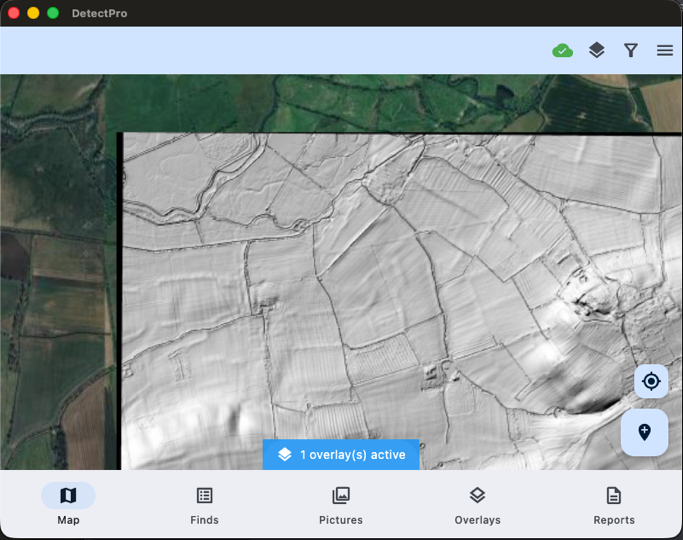
Lidar & Historic Map Overlays
For UK users generate Lidar (configuring sun angle and Z factor) by selecting the point on the map you need the tile. The app will pull and convert the data from DEFRA survey sources. For those outside the UK, data can also be loaded in MBTiles format which can be generated using QGIS. Using Lidar can reveal hidden field boundaries, old pathways and earthworks invisible to the naked eye.
You can also add custom maps from sources that support xyz URL's (such as Maptiler).
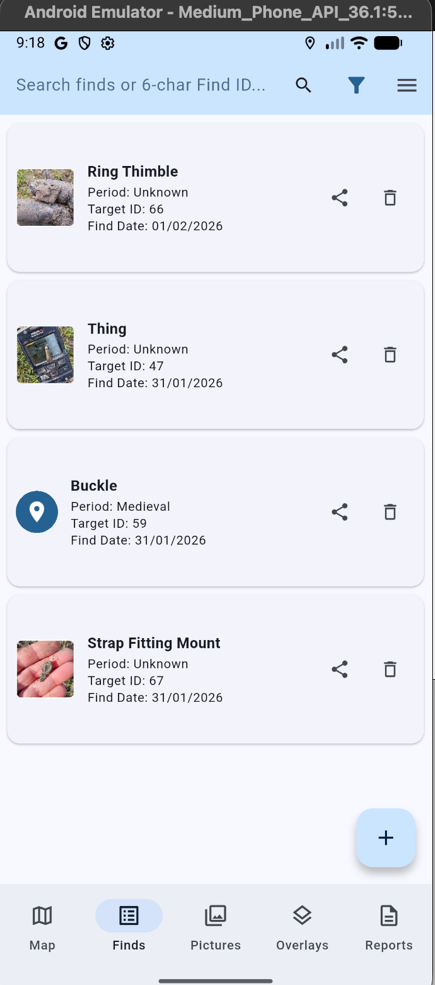
Organise Your Finds
Search, sort and manage every discovery. Long-press to select multiple finds for batch reporting. The smart search recognises both text and find ID. Deleted finds can be recovered until your next sync.
Support for the PAS is enabled by entering your PAS reference in the finds record. This will then allow to open the record on finds.org.uk when later viewing the record.
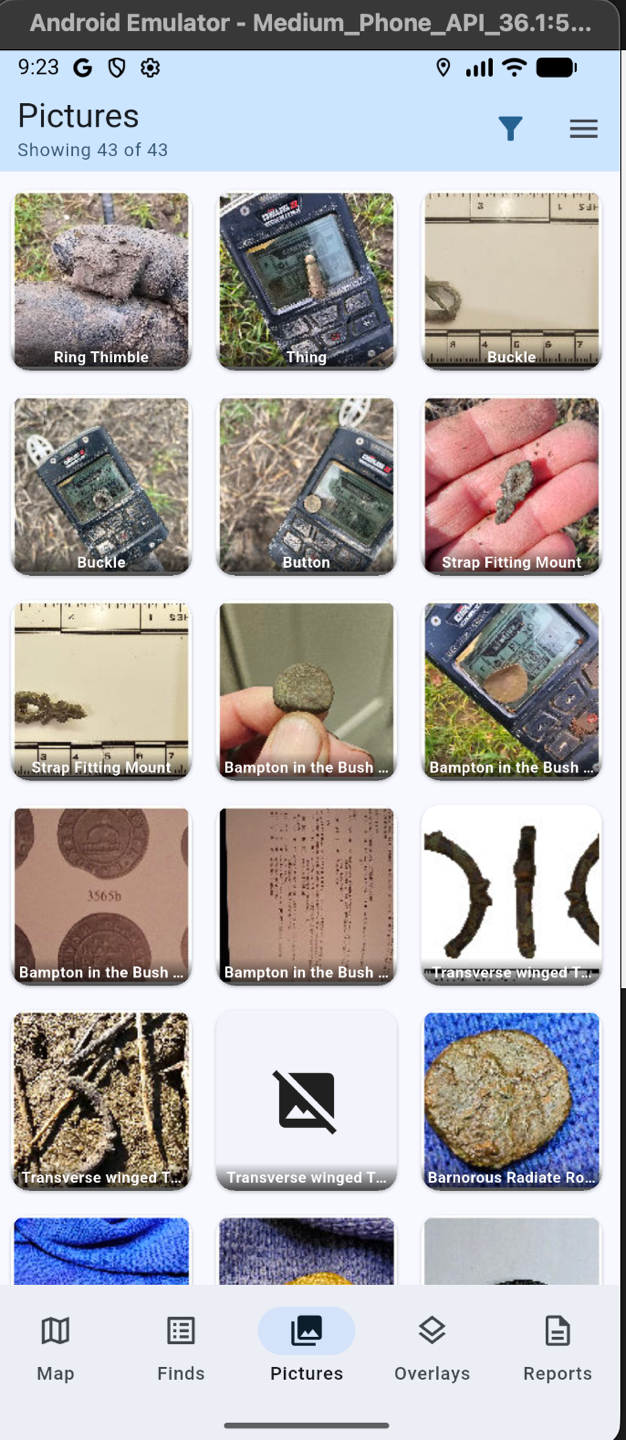
Photo Gallery
Browse every photo across all your finds in one beautiful gallery. Tap a picture to jump straight to the full record. Images lazy-load to keep things snappy, even with thousands of finds.
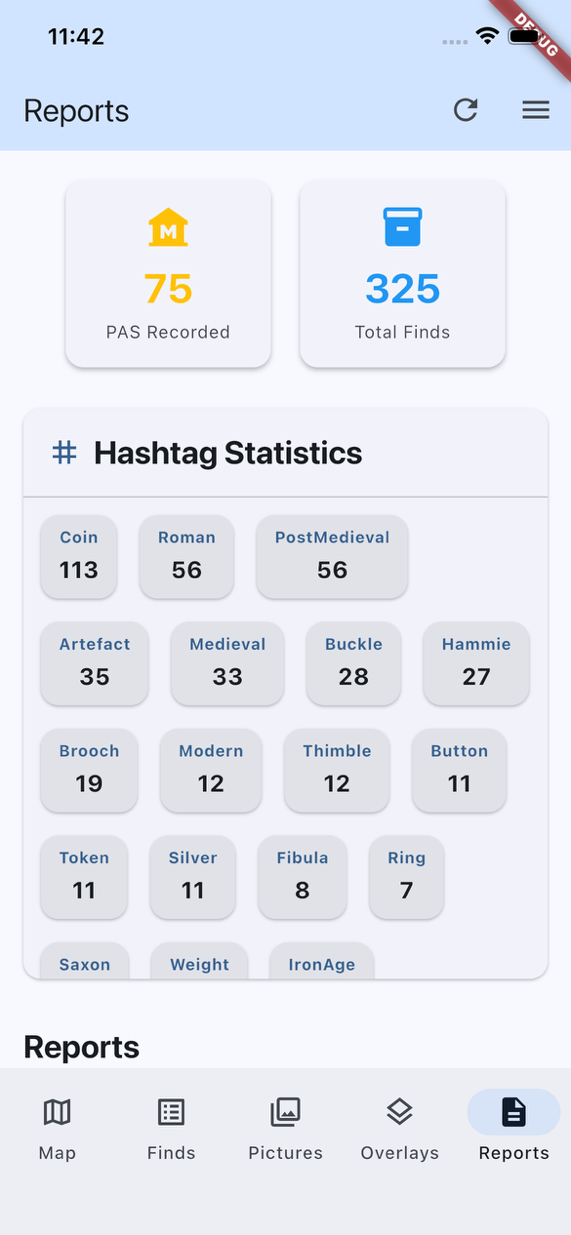
Reports & 2D Label Printing
View hashtag and PAS counts, generate standard reports, and print professional 3×7 labels complete with scannable QR codes that link straight back to the find record in the app. Fully configurable for different printers and label stock.
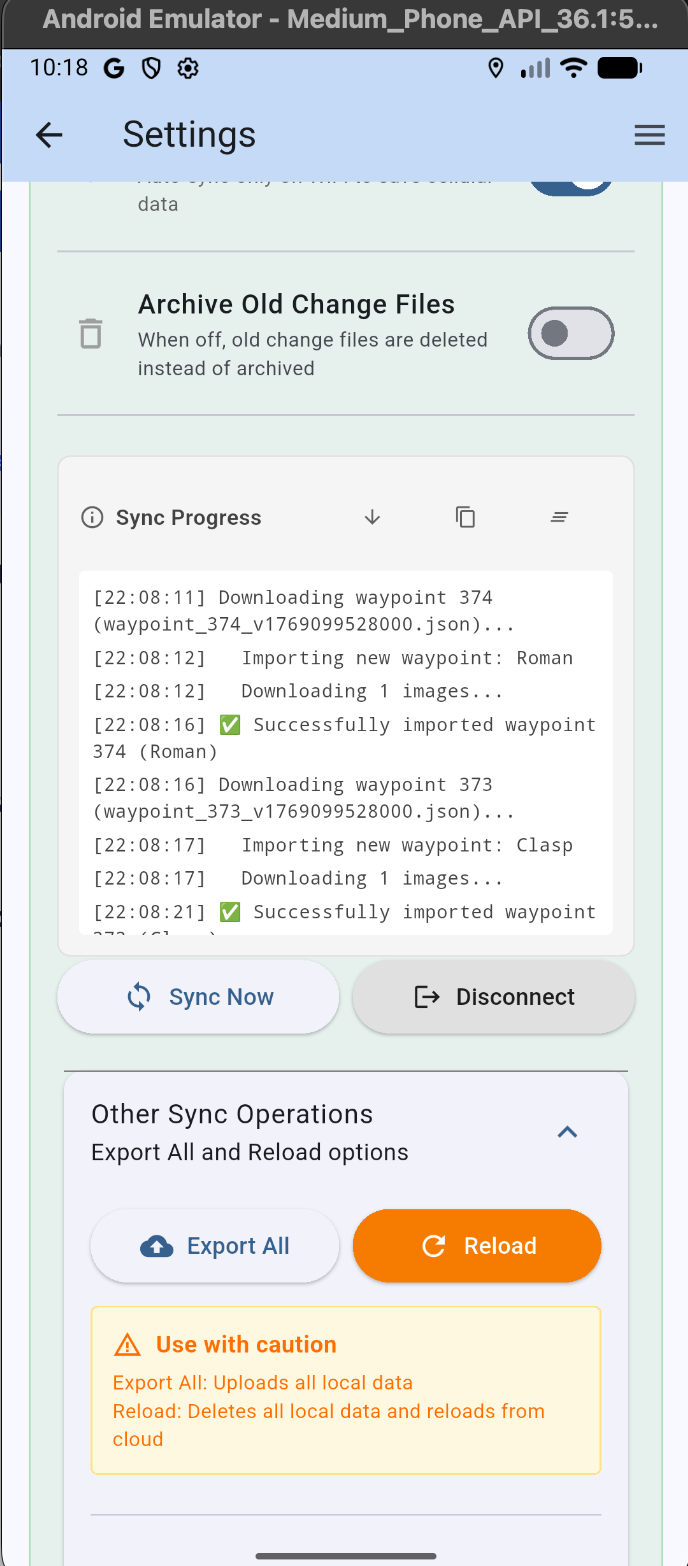
Google Drive Cloud Sync
Connect to your Google Drive to back up your entire database. Share the DetectLogProSync folder with detecting partners — their finds appear on your map with a blue surround. Export or import everything in one tap.
Apple Watch App
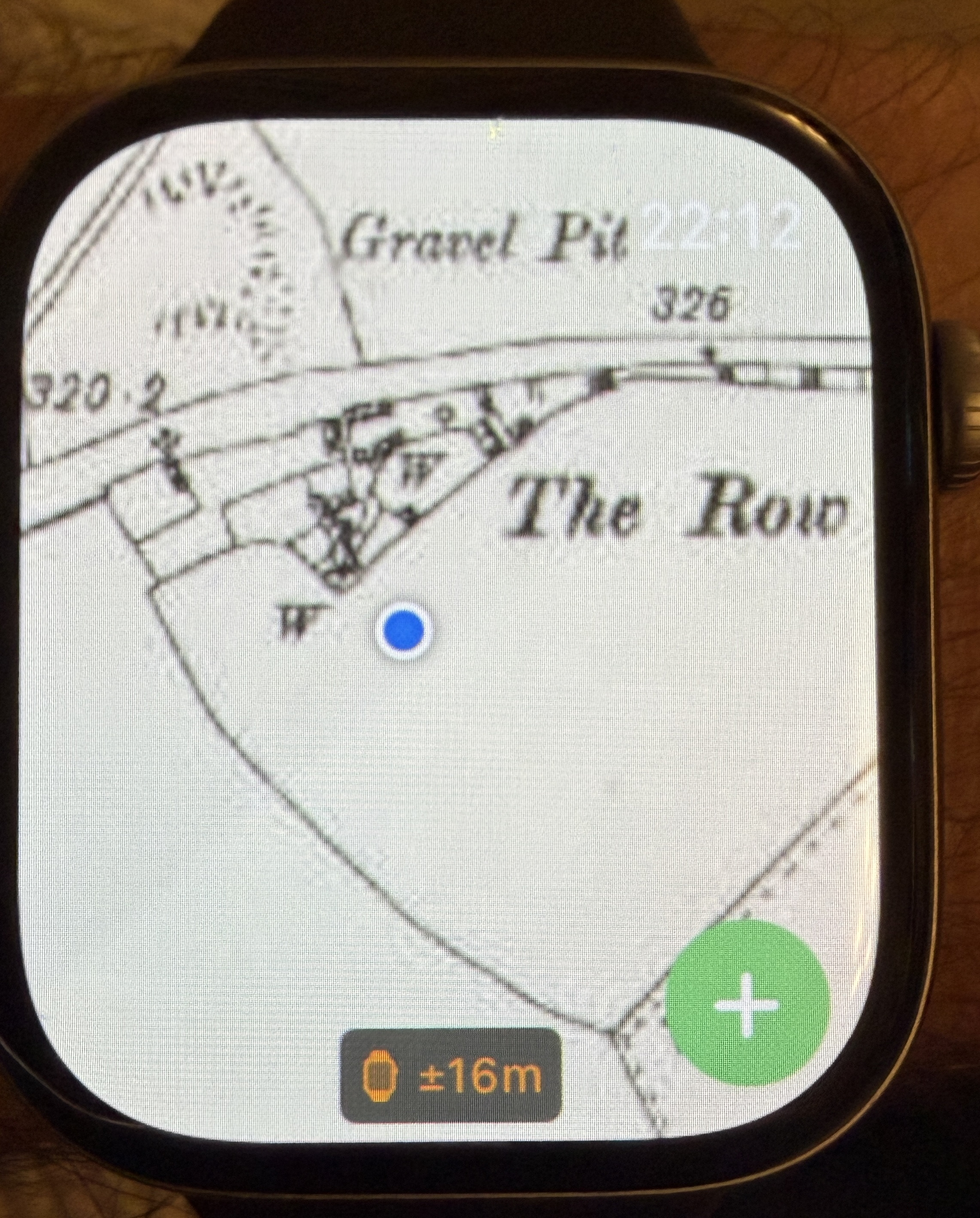
Leave your phone in your pocket — add finds using voice dictation straight from your Apple Watch, even with muddy gloves! The watch also mirrors your current map view, including Lidar overlays, so you always know where you are.